Why ads are hard for toddlers
Ads are made to be tapped, and toddlers tap everything. One tap can open a store page, a video or a different app. It also breaks up their play, which often ends in tears.
Check these 6 things in the App Store
- Look next to the Get or price button. If it says “In-App Purchases”, something inside the app costs money. It could be extra levels, a subscription or a way to remove ads.
- Read the App Privacy section. It shows what data the developer says the app collects. “Data Not Collected” is the simplest answer.
- Check the age information. Apps in the App Store’s Kids Category have extra rules. For example, links out of the app and buying options must be behind a parental gate.
- Read the newest low reviews. Parents usually say so when ads appear or the free part is very short.
- Find out who makes it. Look for a working support page and privacy policy.
- Look at the screenshots. You should be able to see what your child will really do in the game.
Free, paid or subscription?
Free games still need to pay for themselves, often with ads or extras to buy. Some are paid for in other ways, such as public funding, so free doesn’t always mean ads. With a game you buy once, the cost is clear from the start, but check that it doesn’t sell extras too. With a subscription, check when it renews and how to cancel it.
Try it yourself first
Play for five minutes before your child does. Tap every corner and every shiny button. Then turn on airplane mode and play again. If the game still works, you’ll know it can be used without wifi. Don’t use this as an ad test, because ads may only appear when you’re online.
Two iPhone and iPad settings that help
- Screen Time can block in-app purchases. Open Settings, then Screen Time, then Content & Privacy Restrictions.
- Guided Access keeps your child inside one app. Open Settings, then Accessibility, then Guided Access.
Menu names can change a little when Apple updates its software.
How Clay World does it
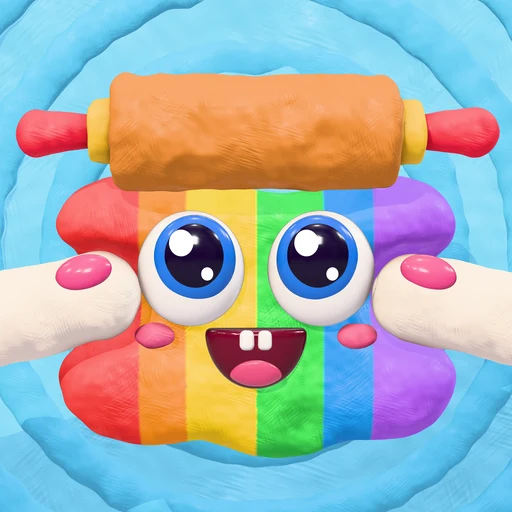
Clay World has no ads, in-app purchases, subscription or accounts, and it doesn’t collect data. You buy it once. The only links out of the app are our privacy policy and support email, and both are behind a parental gate.
 Offline games for toddlers
 Clay games for kids
 Games for 2 and 3 year olds
 Sensory games for toddlers
 Easy clay animals
 Open-ended play ideas